
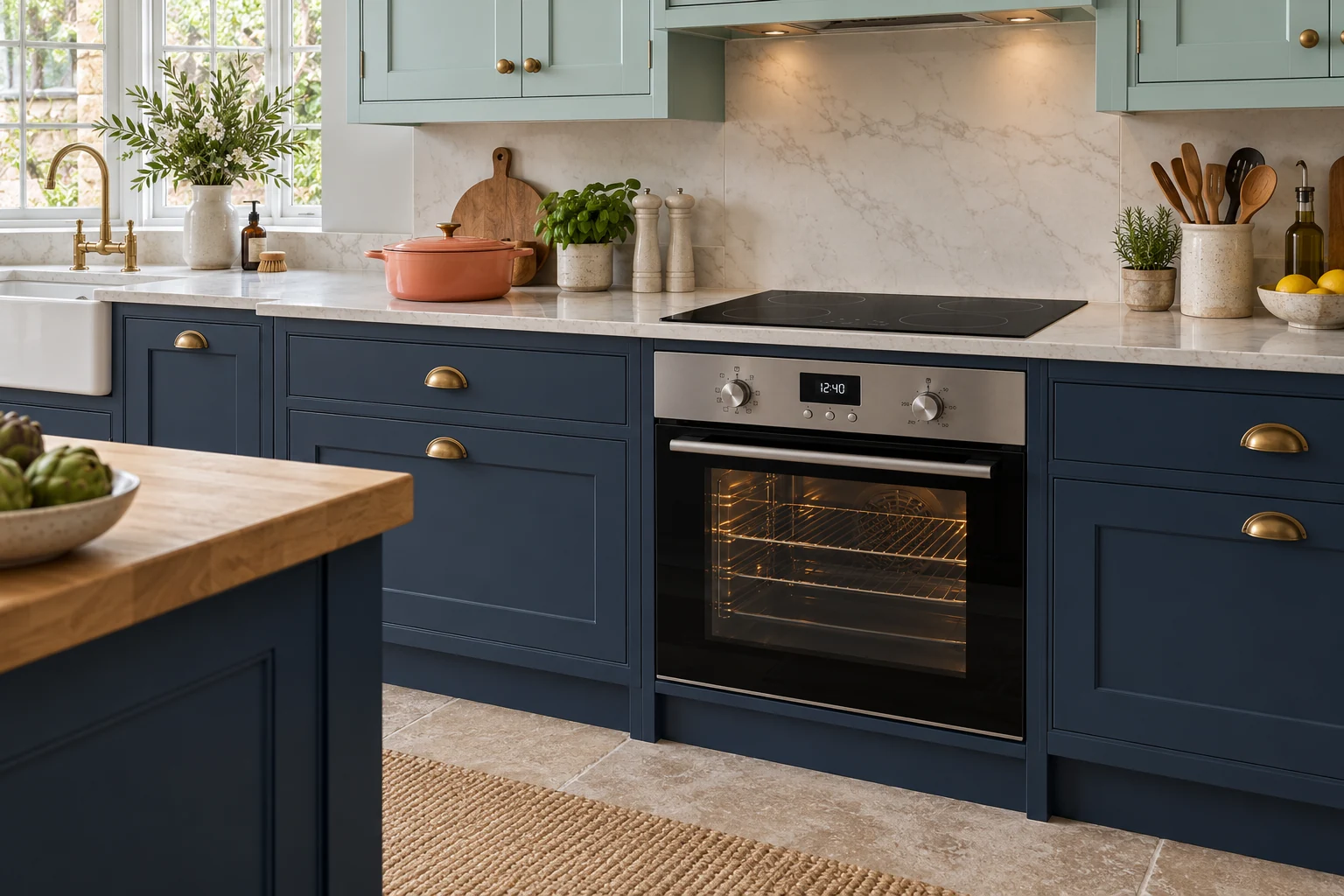
Amica Oven · useful observations
Which oven setting let you down?
Identify the oven cavity and cooking mode used. Tell us about the result on that setting rather than describing every oven problem as an element failure.
The chosen mode stays cool
A working light, fan or clock does not confirm that the selected heating circuit operates. Retain the cavity and mode; function switching, heating and regulation may need assessment.
The cycle or function cuts short
Keep the last completed stage, selected setting and any message together. A stop during heating differs from a stop before filling. Avoid repeated restarts just to reproduce the fault.
For a fitted appliance
Mention the cabinet front, plinth and adjacent units that apply. Leave the appliance connected and in place while asking about work suitability.
Before sending photographs
Show the normal fitted position and an accessible display. Avoid people, private documents and unrelated personal details in the frame.
For the Amica label
Keep the exact Amica product reference and any safely visible service or serial reference alongside the oven symptom. The badge is not a promise of parts availability or acceptance of every model.
Agree the next step with the team
Call 0800 037 4915 or prepare a request with the model and observations. Suitable work, charges and Monday–Thursday visits are agreed for the individual enquiry.